
3D menu items · Live sample
See the dish before you order it.
The guest taps one button on the menu and the dish stands on their own table, at true size, from every angle. Nothing to install.

See it on your table.
Tap the button and the dish stands on your own table at full size. Works on iPhone and iPad in Safari, and on Android phones with Google Play Services for AR.
- Sample
- 1dish, true size, no app to install
Try it now
Maria
Share plate · 26 cm
Tap the button, then move your phone slowly to let it find a flat surface.
Live sample: one dish to place on your table
Guests order what they can picture.
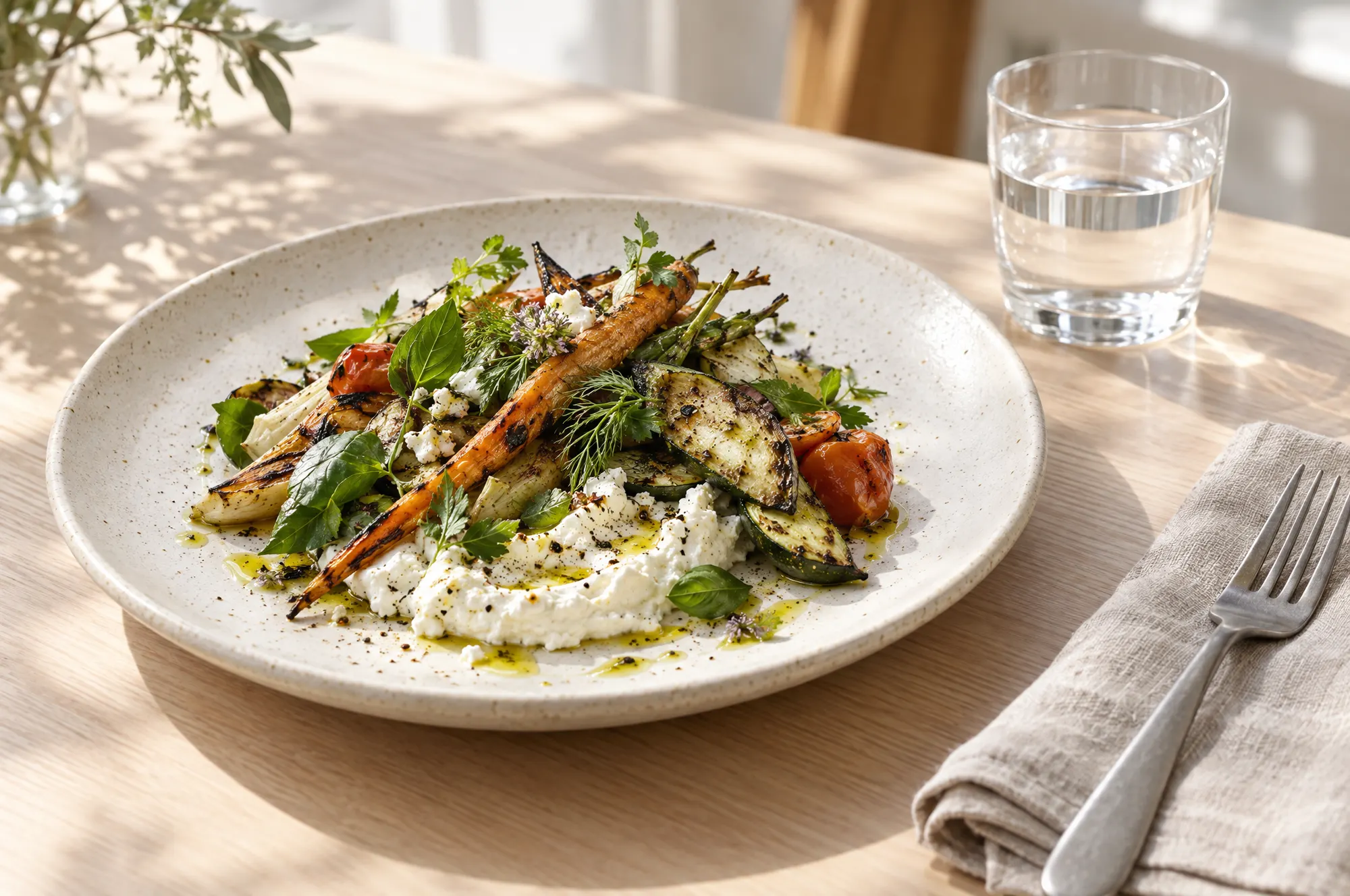
A photo flattens a plate and hides the portion. A 3D model answers the two questions that stall an order: how big is it, and what am I actually getting.
Portion
Ends the size question
The model carries the real measurements of the plate. A guest sees a 26 cm share plate at 26 cm on their own table, not cropped to fill a photo frame.
- True scale
- Real measurements
- Any flat surface
Confidence
Sells the unfamiliar dish
The dishes hardest to describe are usually the highest margin. A guest who can turn the plate around orders it instead of defaulting to the thing they already know.
- Signature plates
- High margin
- Less explaining
Repeat value
One model per dish
The model is attached to the dish once, and the 3D button opens from the dish's detail view in online ordering. It is not switched on at a NexDine venue yet.
- Order page
- Item detail
Setup
Nothing for the guest to install
The dish opens in the phone the guest already has, straight from your menu. No app, no download, no account, no instructions at the table.
- No app
- No download
- Opens from the menu
3D menu items · Coming to NexDine venues
Show the plate before the order.
Tell us about your restaurant. We read every application, and reply within one business day.